 FlashGPT
Rest the cursor on the notch for 0.2 s
Zero clicks
No shortcut to remember, no window to open. Hover the notch and the answer drops down.
FlashGPT lives in your MacBook's notch. Hover it and it reads your screen and answers in four lines. No typing, no switching apps.
Real panel, real flow: hover the notch, it reads the screen, the answer drops down.
Pick a screen, then hover the notch at the top.
Everything happens at the top of your screen, and nothing else changes.
No shortcut to remember, no window to open. Hover the notch and the answer drops down.
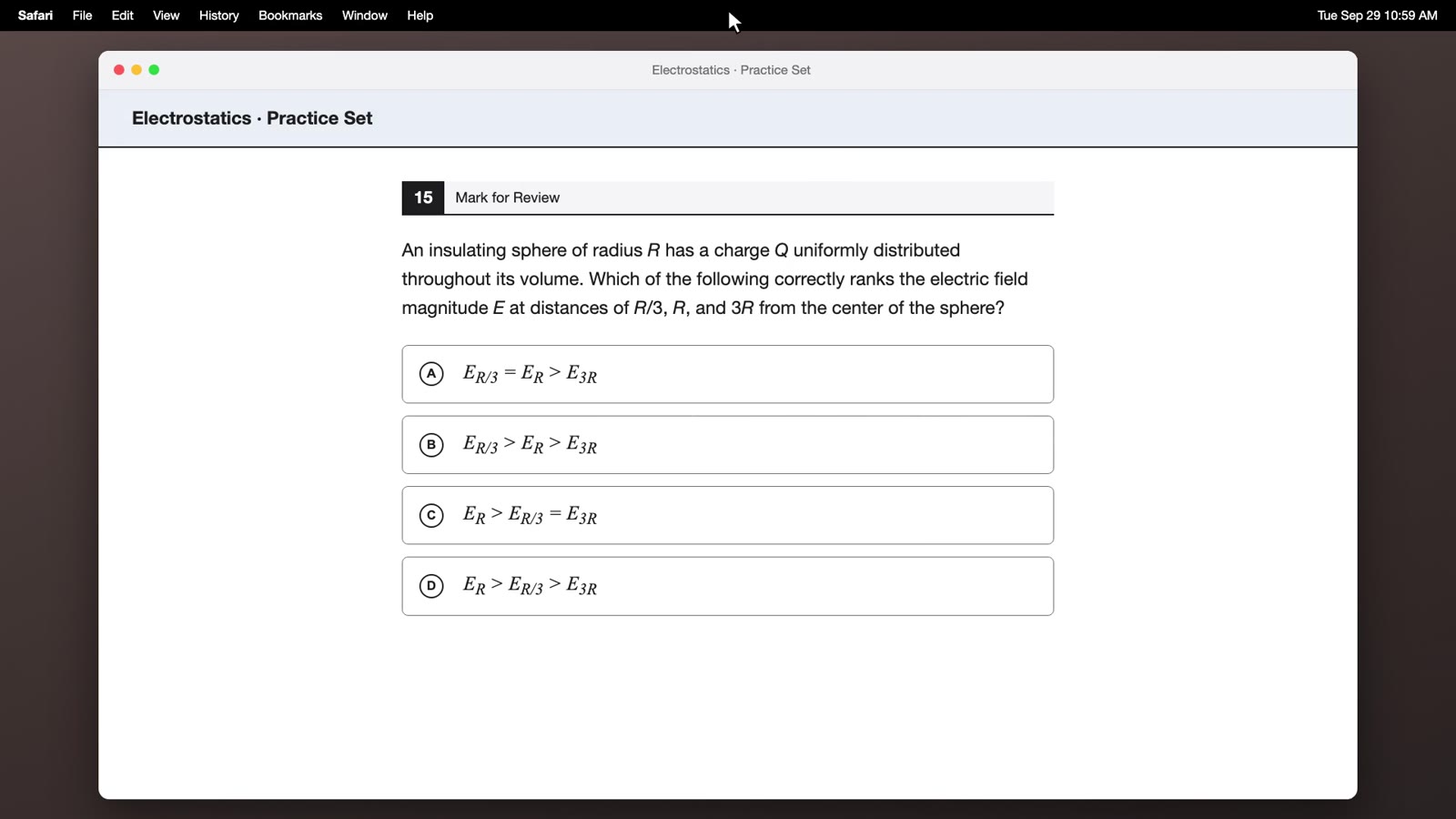
Questions, emails, forms, code and errors. It sees what you see and picks the useful answer.
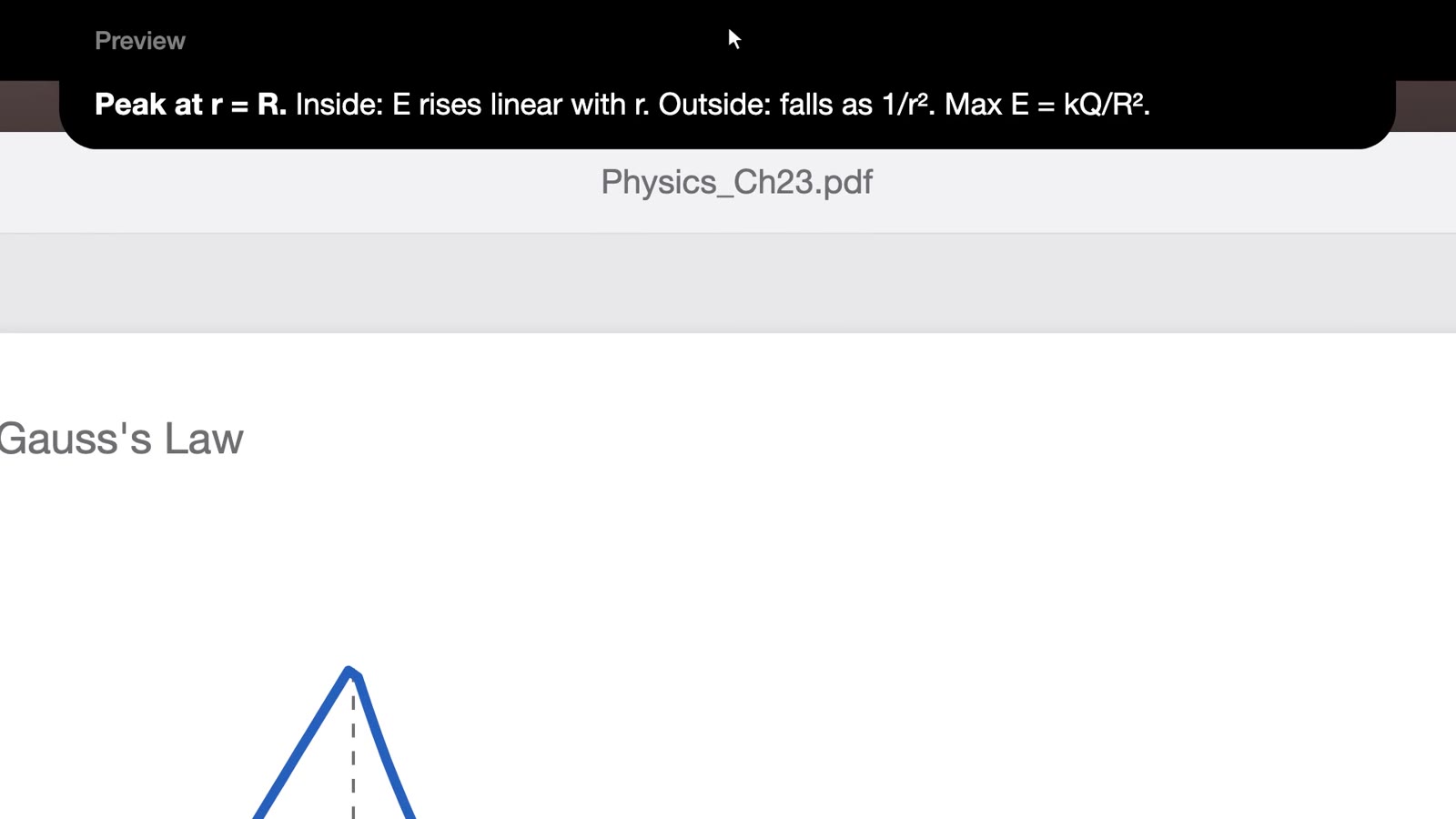
Graphs, diagrams and tables, not only text. Answers come back as plain text you can copy.
FlashGPT asks macOS to keep its panel out of shares and recordings. Test with your apps first.
It lives in the menu bar and the notch. Pause the panel to keep an answer open while you work.
A real Mac app for Apple Silicon and Intel. Opens instantly and stays out of your memory.
Everything happens on this page. No account to make.
Pay here. Your license key and the download appear on this page right after.
Drag FlashGPT to Applications, open it, and allow Screen Recording when macOS asks.
Paste your key once. From then on, hover the notch whenever you need an answer.
Every plan gets the full app and every update.
$15/ week
About $2.14 a day
$45/ month
$1.50 a day
$199once
Costs about 13 weeks of weekly
Prices in USD; sales tax is added where required. Weekly and monthly plans renew automatically at the same price until you cancel, and you can cancel any time before the next renewal. All sales are final. See the Terms and Privacy Policy.
macOS 14 Sonoma or later, on Apple Silicon or Intel. On a Mac without a notch, the top centre of the screen works the same way.
After you pay, your license key and the download appear on this page. Open FlashGPT.dmg, drag FlashGPT to Applications, open it, allow Screen Recording when macOS asks, then paste your key.
FlashGPT isn't notarized by Apple yet. The first time you open it, go to System Settings, then Privacy & Security, and click Open Anyway. You only do this once.
Only when you hover: one screenshot of that display plus the name of the app in front and its window title. It goes to the AI model to write the answer. We don't store your screenshots. The Privacy Policy has the details.
FlashGPT asks macOS to leave its panel out of screen shares and recordings, and most apps respect that. It can differ between macOS versions and apps, so test it with yours before you rely on it.
Weekly and monthly plans include up to 500 answers a day; lifetime includes up to 150. The count resets at midnight UTC.
One key works on one Mac at a time. To move it, reset the key from your orders page, then enter it on the new Mac.
Cancel any time from your orders page (payments run through Whop). You keep access until the end of the week or month you paid for. All sales are final, so we don't refund partial periods or lifetime purchases.
It's on your orders page when you sign in with the email you paid with. Still stuck? Contact us.
From $15 a week. Set up in a minute.
Get FlashGPT